
AI Study Assistant: Learn Any Subject Faster and Actually Understand It
An AI study assistant is a learning tool that explains topics in plain language, turns your notes and lectures into summaries, flashcards, and practice quizzes, and walks you through problems step by step — so you understand the material instead of just memorizing it. Used well, an AI study tool is like a patient tutor available 24/7; used badly, it becomes a shortcut that skips the learning. This guide covers what these tools do, how they work, the study science behind them, and where the line sits between studying smarter and cheating — a line every school now defines in its own AI policy.
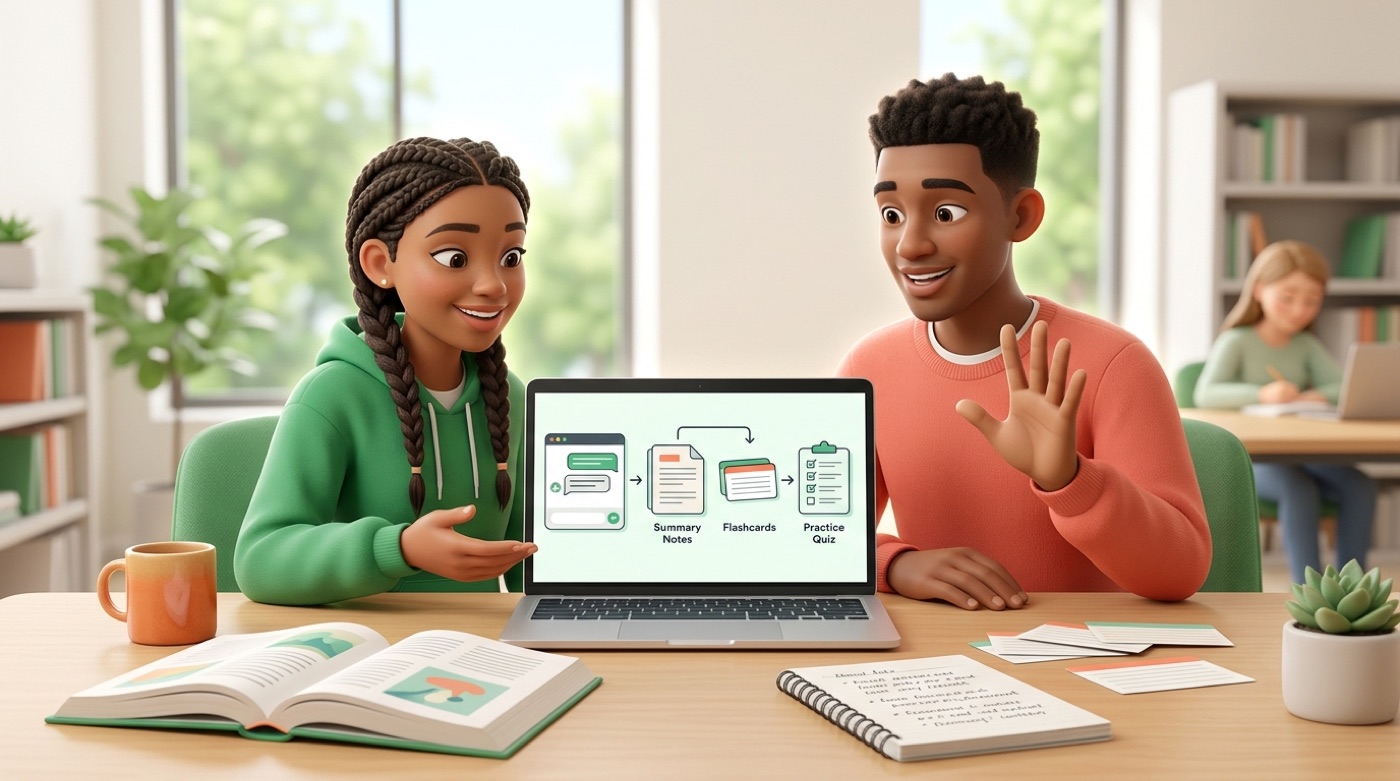
What Is an AI Study Assistant?
An AI study assistant is software that reads your course material and turns it into things you can actually learn from — explanations, notes, flashcards, and quizzes — instead of a static page of text you have to decode alone.
A tutor, note-taker, and quiz-maker in one
Think of it as three roles combined into a single tool. As an AI tutor, it explains a concept in plain language and adjusts the explanation until it clicks. As a note-taker, it turns a messy lecture recording or a dense textbook chapter into structured notes and a short summary. As a quiz-maker, it generates flashcards and practice quizzes so you can test what you actually remember. The common thread across all of it is a study role: the tool helps you build understanding, not a finished product to hand in.
Typical outputs you can expect from an AI study assistant include:
- Plain-language explanations of a concept or formula
- Structured notes and summaries from a lecture, PDF, or slide deck
- Flashcards and practice quizzes drawn from your own material
- A written study guide that pulls the key points of a topic into one place
- A personalized study plan that spreads your material across the days before a deadline
- Step-by-step walkthroughs of problems, rather than a final answer alone
What it is not
An AI study assistant is not the same thing as a general chatbot asked to write an essay from scratch, and it is not an answer bank you copy from. Those uses skip the part where you actually learn the material — which defeats the point of studying in the first place. An AI study assistant should enhance your own work, not replace it: it helps you understand a topic, practice retrieving it from memory, and check your own reasoning, but the understanding still has to happen in your head. That distinction sets up the academic honesty rules covered later in this guide.

How an AI Study Assistant Works
Most AI study tools follow the same basic pipeline, whether they are built around chat, flashcards, or notes: you give the AI your material, and it organizes that material into study-ready formats.
From your material to a study set
The process usually breaks down into four steps. First, you upload or paste your material — a lecture recording, a PDF, a textbook chapter, or a video. Second, the AI reads and organizes that content, identifying key terms, definitions, and structure. Third, it generates notes, flashcards, and quizzes based specifically on what you gave it. Fourth, you ask follow-up questions and practice against the generated material. The important part is step one: the tool works with your material — your course, your professor’s slides, your textbook — rather than pulling a generic answer from the open web.
Ask, explain, repeat
The real value shows up in the loop, not the first answer. You ask the assistant to explain something, get a first pass, then push back — “explain that with a simpler example” or “compare it to something I already know.” Then you check yourself with a quiz built from the same material. That back-and-forth is what separates an AI study assistant from a static textbook: a book gives you one explanation and stops, while the assistant adjusts the explanation and lets you test it immediately.
Ways Students Use AI to Study
Across the tools students already use — from note apps to flashcard platforms — a handful of use cases show up again and again.
Explain hard topics simply. When a concept doesn’t click on the first read, asking an AI study assistant to break it down “like I’m new to this,” with an analogy or a worked example, is often the fastest way into a topic you’d otherwise reread three times.
Turn lectures and PDFs into clean notes. Upload a lecture recording or a textbook chapter, and the assistant returns structured notes and a summary — saving the time you’d spend transcribing so you can spend it understanding. One caveat: always check the summary against the original material, since an AI can miss a nuance or a caveat the instructor emphasized.
Build a study plan for the week. A personalized study plan breaks your material into daily chunks and spreads topics out ahead of a deadline instead of leaving everything for the night before. Spacing your review across several days, rather than cramming, is consistently linked to better retention than a single long session right before an exam.
Where step-by-step problem help fits
Beyond notes and planning, students also lean on AI to work through problem sets — covered in detail further down, since it comes with its own rule about asking for the method instead of the final answer.

Flashcards, Quizzes, and the Science of Remembering
Flashcards and quizzes aren’t just a convenient format — they’re built on two well-studied ideas from cognitive psychology: active recall and spaced repetition.
Active recall: testing yourself beats rereading
Rereading a chapter feels productive, but the research on the testing effect — also called retrieval practice — consistently finds that actively trying to recall information from memory produces stronger, longer-lasting learning than passively reviewing it again. An AI-generated quiz automates that self-testing: instead of deciding what to quiz yourself on, the assistant pulls questions straight from your material, so recall practice becomes something you can do in a few minutes rather than something you have to design yourself.
Spaced repetition: review at the right time
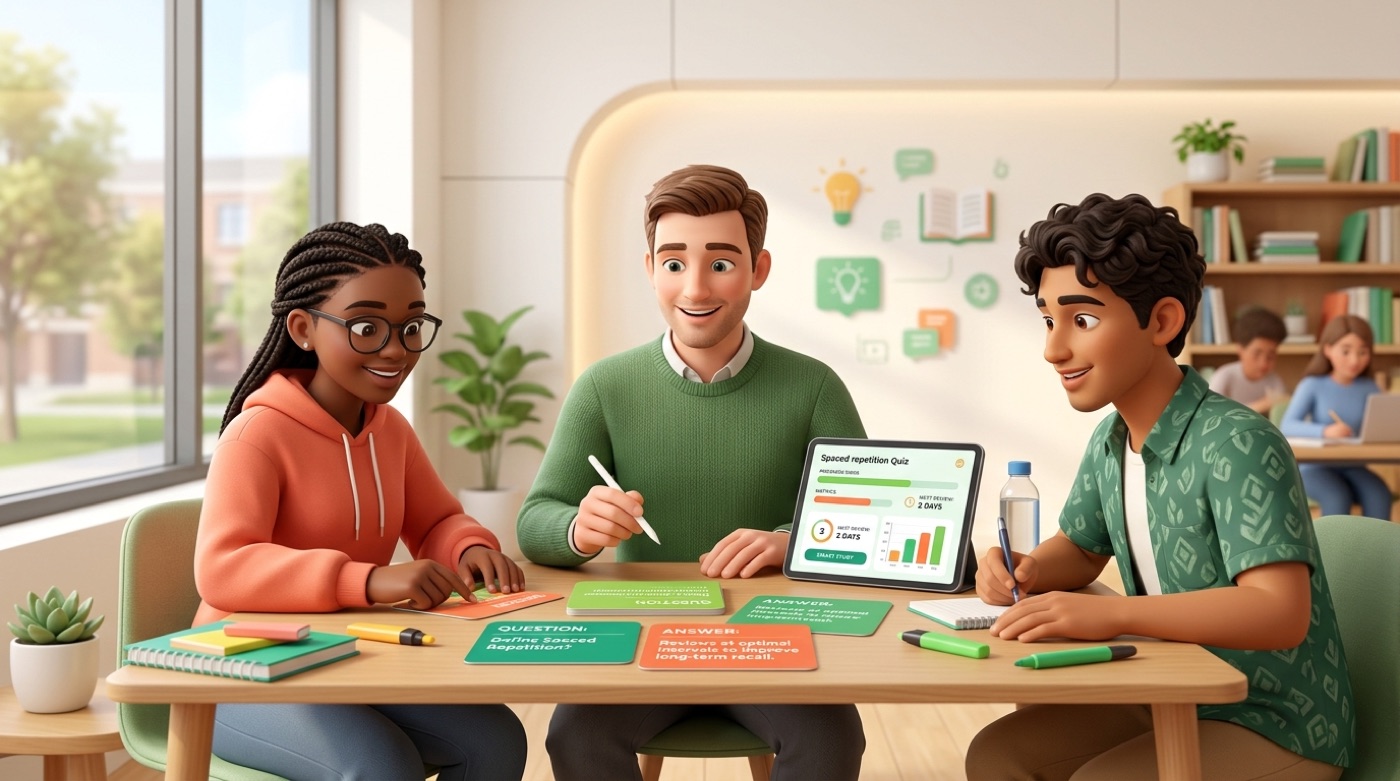
Spaced repetition is the practice of reviewing material at gradually increasing intervals instead of all at once. It’s the same principle behind flashcard systems like Anki, Quizlet, and Knowt: cards you know well come back less often, and cards you’re shaky on resurface sooner. In an AI study assistant, the AI speeds up the part that used to be tedious — writing the cards — while a spaced-repetition algorithm decides what to review today. Cognitive research has generally found spaced review to produce a meaningfully larger learning effect than massed, single-session review, though the exact size varies by study and subject.
| Technique | What it does | Where AI helps |
|---|---|---|
| Active recall | Tests memory instead of rereading | Auto-generates quiz questions from your material |
| Spaced repetition | Times review at increasing intervals | Schedules which flashcards to show today |
| Practice testing | Simulates exam conditions | Builds mixed-format practice tests from your notes |
| Elaboration | Connects new ideas to what you know | Explains concepts with analogies on request |
Getting Ready for Exams with AI
As an exam gets closer, the same building blocks — notes, flashcards, quizzes — shift from “learn this” mode into “prove I know this” mode.
Practice tests that mimic the real thing
An AI study assistant can turn your notes or textbook into a practice test with mixed-format questions, ideally timed the way the real exam will be. The point isn’t just repetition — it’s surfacing the specific topics you’re weak on before the exam does. That only works if you take the practice test honestly, without checking your notes mid-question; skip that step and the whole exercise stops giving you useful signal.
A short exam-readiness checklist covers most of what matters:
- Generate a practice test from your actual course material, not generic questions
- Take it under timed, closed-notes conditions
- Review every missed question and note why you got it wrong
- Turn the weak topics into a fresh batch of flashcards
- Repeat the practice test a few days later, spaced instead of back-to-back
Find and fix your weak spots
Once you have quiz results, use them to steer your remaining study time toward the topics you actually missed rather than the ones you already know well. Some AI study platforms report strong outcomes from this approach — StudyFetch, for example, has said that a large share of its surveyed students reported improved grades and reduced study time. Numbers like that are worth noting, but they come from the vendor’s own study, not independent research, so treat them as a claim to weigh rather than a guarantee for your own results.

Step-by-Step Homework Help — Without Doing the Work for You
Homework help is where AI study tools are easiest to misuse — and easiest to use well, if you ask for the right thing.
Ask for the method, not just the answer
The useful prompt is “walk me through how to solve this” or “show the steps and explain why,” not “give me the answer to submit.” Here’s what that looks like in practice: a student stuck on a calculus problem asks the assistant to walk through the method, sees why each step follows from the last, and then applies that same method to a similar problem on their own — which is the point where the learning actually happens. The unhelpful version — asking for a finished answer to copy — skips that step entirely and leaves the student no better prepared for the next similar problem.
Prompts that keep the assistant in tutor mode instead of answer-bank mode:
- “Walk me through how to solve this, step by step”
- “Explain why this step follows from the last one”
- “Give me a similar problem so I can try it myself”
- “Where did my own attempt go wrong?”
Check your understanding
After working through a problem with the assistant, ask for a similar problem and solve it yourself without help. That’s the real test of whether the explanation stuck — and it’s the difference between studying with AI and just outsourcing the work to it.
Studying Smarter vs. Cheating: Where the Line Is
Every school treats AI use differently, but the underlying principle most institutions converge on is the same one worth keeping in mind by default.
Enhance, don’t replace
AI should be used to enhance — not replace — your work. Know your institution’s policy on the use of AI, and keep in mind that the policy can change from course to course.
Purdue Global
That line captures the whole distinction. Using AI to understand a concept, generate practice flashcards, or check your reasoning is studying — the understanding is still yours. Submitting AI-generated text as your own writing, or using an AI study assistant during a test where it isn’t allowed, is not studying anymore; it’s outsourcing the work the assignment was meant to measure.
Know your school’s policy
Policies vary from school to school, and often from course to course within the same school, so check your syllabus rather than assuming one rule applies everywhere. It’s also worth remembering that an AI response can be wrong — models can state incorrect information confidently, sometimes called a hallucination — so treat AI output the way you’d treat a study buddy’s answer, not a verified source: cross-check facts against your textbook or your instructor’s material before you rely on them.
A quick way to tell honest use from misuse:
- Studying with AI: asking it to explain a concept, generate flashcards, or quiz you on material you’ve already covered
- Misusing AI: submitting AI-written text as your own assignment, or using it during a closed-book test where it isn’t allowed
- Studying with AI: asking for a step-by-step walkthrough, then solving a similar problem yourself
- Misusing AI: copying a finished answer without working through how it was reached
How to Choose an AI Study Assistant
With dozens of tools claiming to help you study, a short checklist narrows the field faster than a feature list does.
- Confirm it supports your material — PDFs, lecture slides, audio or video recordings, and whatever format your course actually uses.
- Test the quality of its explanations on a topic you already understand, so you can judge whether its answers are accurate.
- Check whether its flashcards use spaced repetition, not just a static deck you have to reshuffle yourself.
- Look for practice tests and quizzes generated from your own material, not a generic question bank.
- Ask how it handles your uploaded documents and data — read the privacy policy, especially for course materials that aren’t yours to share.
- Try the free tier before paying, and judge whether the tool’s explanation style actually fits how you learn.
What to look for
Beyond the checklist above, weigh accuracy heavily: a tool that occasionally invents facts or misreads your material costs you more time fact-checking than it saves you studying. Cross-device access matters too if you study from a laptop in the library and a phone on the bus.
| Criterion | Why it matters |
|---|---|
| Supports your file formats | A tool that can’t read your PDFs or lecture audio isn’t useful for your actual course |
| Accuracy / few hallucinations | Wrong explanations cost more time to unlearn than they save |
| Flashcards with spaced repetition | Turns one-time review into long-term retention |
| Data privacy | Course material and personal notes deserve a clear privacy policy |
| Free tier available | Lets you test explanation quality before committing to a paid plan |
Free vs paid
Most AI study platforms offer a limited free tier alongside a paid plan with higher usage caps or more advanced features. The practical approach is to start on the free tier, run it against your actual coursework for a week or two, and confirm the explanations and flashcards genuinely help before deciding whether a paid plan is worth it. There’s no need to commit to a subscription before you know the tool’s style of explaining things works for you.
Explore more study guides
- How an ai study assistant works
- The free ai study tool for students
- Ai-generated flashcards
- Ai study notes and summaries
- Ai practice quizzes and tests
- Building an ai study plan
- Ai exam prep
- Step-by-step math help
- Spaced repetition and active recall
- The ai study buddy
- Handling exam anxiety and focus
- Using ai study tools honestly
Frequently Asked Questions
- Is it OK to use AI to study?
Yes — using AI to understand a topic, take notes, build flashcards, or practice with quizzes is a normal study method. The problem starts when AI does the work for you and you submit it as your own. Always check your course’s specific policy first.
- Is using AI to study cheating?
Studying with AI is not cheating. Cheating is submitting AI-generated work as your own, or using an AI study assistant during a test or assignment where it’s explicitly not allowed. The line is set by your institution’s academic integrity policy, which can vary by course.
- What is the best AI for studying?
It depends on the task: conversational AI tutors are strong for explanations and problem walkthroughs, dedicated flashcard apps are better for spaced-repetition practice, and multi-source tools work well for synthesizing large amounts of reading. The best choice is whichever tool works with your actual course material and explains things in a way you understand.
- Can AI help me pass exams?
It can help you prepare — through practice tests, weak-spot identification, and spaced review — but you still take the exam yourself. The benefit comes from honest self-testing, not from having the tool available during the exam. Vendor-reported grade improvements reflect their own studies, not a guarantee for every student.
- How do students use AI to study?
Common uses include getting hard topics explained in simple terms, turning lectures and PDFs into structured notes, generating flashcards and quizzes, building a study plan ahead of deadlines, and working through problems step by step.
- What is the best free AI study tool?
Many AI study platforms offer a free tier. When comparing free options, check whether the tool supports your file formats, how accurate its explanations are, and whether its flashcards include spaced repetition. Start on the free plan and test it against your own coursework before deciding if you need more.