AI Study Helper for Math, Step by Step: Solve It and Actually Understand It
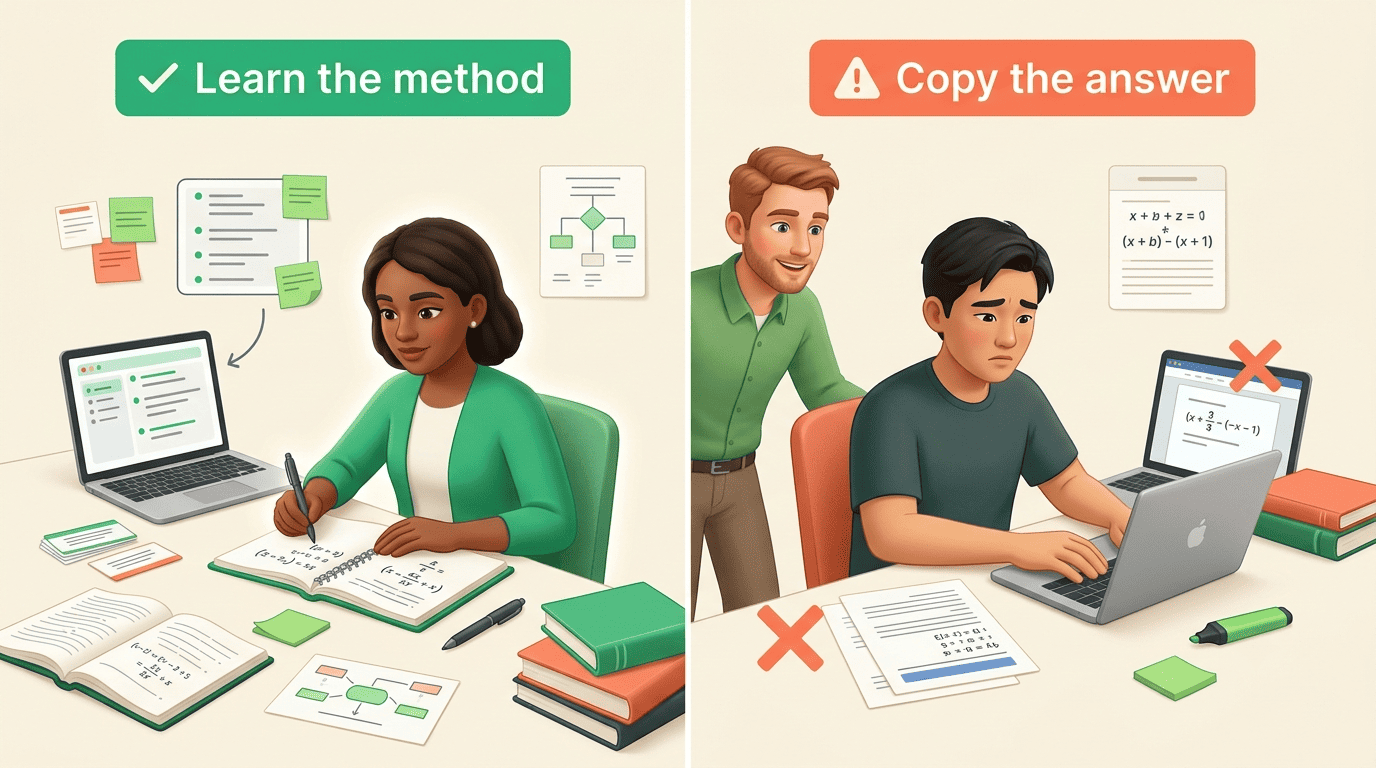
The point of a math tool is not just the answer — it is seeing how you get there. A step-by-step AI study helper reads a typed problem or a photo, then walks each stage of the reasoning so you can follow the method instead of only copying the result.
Used well, that turns homework into practice rather than a shortcut. This guide covers how the step-by-step process works, which topics it handles, how to learn from the steps, and where the line to cheating actually sits.
How an AI Study Helper Solves Math Step by Step
Behind the “snap and solve” button is a short pipeline. Knowing it tells you which parts to trust and which to double-check.
From a photo or typed problem to a worked solution
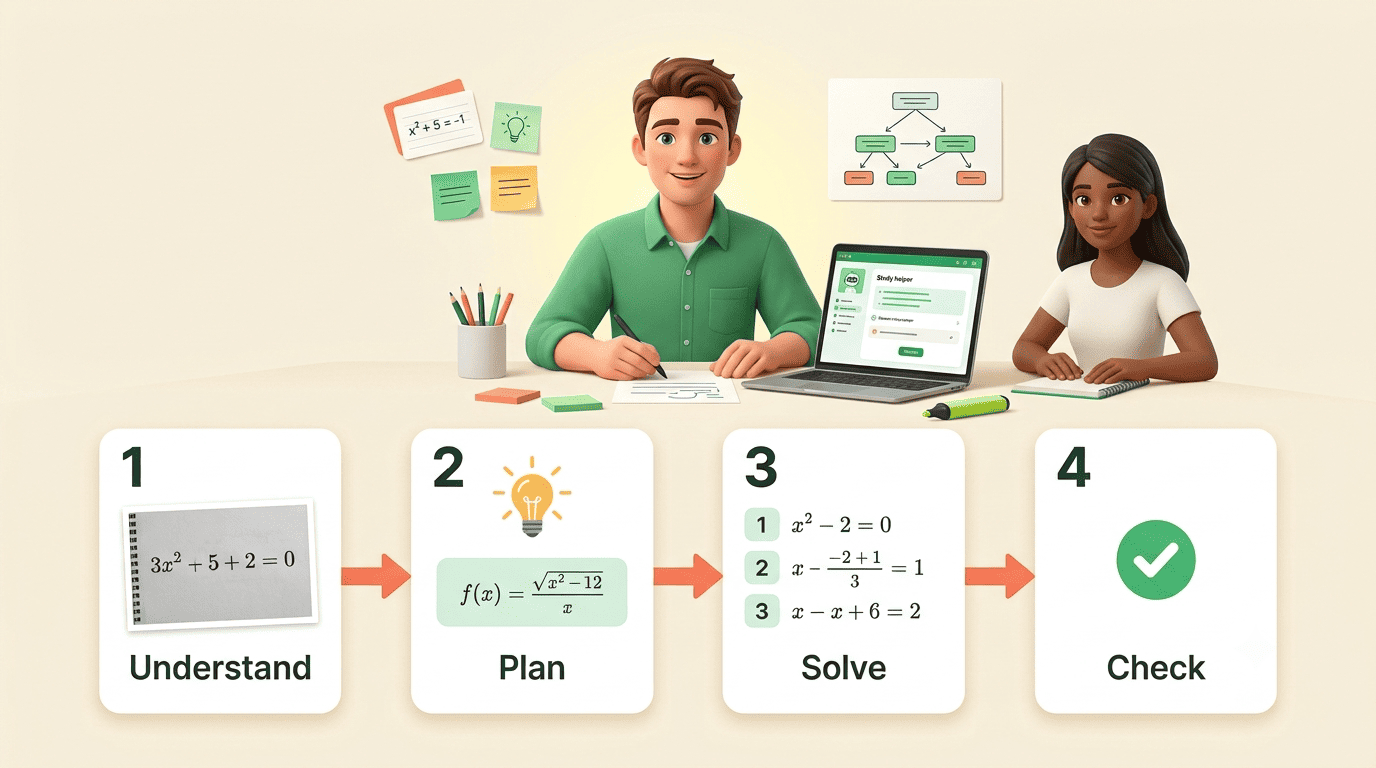
You type the equation or take a photo, and optical character recognition reads the handwriting or printout into machine-readable math. The AI math solver then parses the problem, plans an approach, and produces ordered steps — each with a short justification — before stating the answer. Input options across tools include photo, screenshot, text, voice, LaTeX, and even a full PDF worksheet.
The step list is the product, not the final number. A bare answer teaches nothing; a sequence of justified moves is what lets you repeat the method on the next problem.
The four moves behind every step list
Good step-by-step reasoning mirrors the four phases the mathematician George Pólya laid out in How to Solve It: understand the problem, devise a plan, carry it out, and look back. The last phase — checking the result — is the one most students skip and the one that catches mistakes.
If you can’t solve a problem, then there is an easier problem you can’t solve: find it.
George Pólya, How to Solve It
What Topics It Handles — Algebra to Calculus
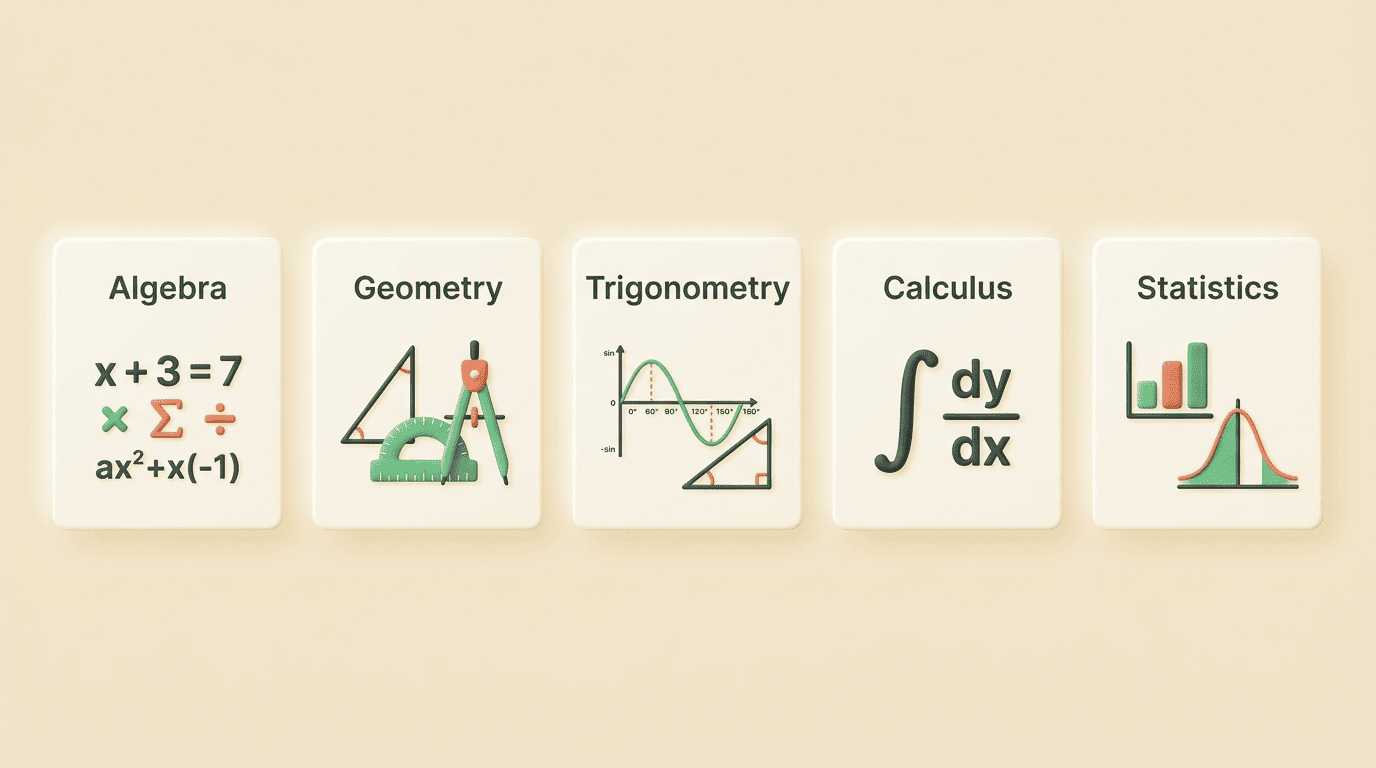
Coverage across an AI math assistant is broad. The table below maps the main areas and what “step by step” looks like in each.
| Area | Typical problems | What the steps show |
|---|---|---|
| Arithmetic | Fractions, percentages, ratios | Each operation in order |
| Algebra | Linear & quadratic equations, systems, polynomials | Isolating and simplifying |
| Geometry & trig | Angles, area, identities | Formula choice, substitution |
| Calculus | Derivatives, integrals, limits, series | Rule applied per line |
| Statistics | Probability, distributions | Setup, formula, computation |
Most tools also graph functions so you can see the shape behind the algebra, and many bundle a linear-algebra and differential-equations mode for higher-level courses.
Word problems and multi-step reasoning
Word problems are the hardest case because the AI has to translate ordinary language into equations before it can solve anything. This is exactly where you must read each step: a wrong setup produces a confident, cleanly formatted, completely wrong answer. Read the equation the tool wrote down before you trust the result it computed.
Multi-step problems compound the risk. If step three depends on a slip in step one, the final line looks tidy but the logic underneath is broken — which is why the “look back” habit matters more here than anywhere.
How to Learn From the Steps (Not Just Copy Them)
The trap with any math homework helper is letting it think for you. A solved problem you did not work is not learning — it is a rehearsal you skipped.
Use it as a worked example, then redo it unaided
Studying a fully worked solution before you practice is a well-established way to learn a new procedure, known as the worked-example effect. The condition attached to it is strict: you only get the benefit if you then close the solution and redo the problem yourself — and a second, similar one — without peeking.
A good routine looks like this:
- Read the AI’s full step-by-step solution once, slowly.
- Note the key move — the substitution, rule, or setup that unlocked it.
- Hide the solution and redo the same problem from scratch.
- Solve one more problem of the same type unaided to confirm it stuck.
Turn on tutor mode and generate practice
Guided or tutor mode changes the tool’s behavior: instead of handing over the answer, it gives hints and asks you questions, closer to how a human tutor works. Pair a worked example with AI-generated practice quizzes and flashcards to lock in the method, and lean on free practice banks like Khan Academy when you want more problems in the same topic.

The goal is to reach the point where you no longer need the helper for that problem type. When you can solve it cold, the tool did its job.
Are the Steps Correct? Checking an AI Math Solver
An AI study helper is usually reliable on standard problems, but “usually” is not “always,” and the failures are predictable.
Where AI math goes wrong
Vendors advertise strong numbers — one solver reports that 95% of its users see improved scores, and others claim accuracy around 98% — but these figures are self-reported and unverified. In real use, the common failures are an arithmetic slip, a misread exponent from a blurry photo, and a wrong word-problem setup. The habit that protects you is simple: trust the method the steps teach, but verify the actual numbers yourself.
A quick correctness check
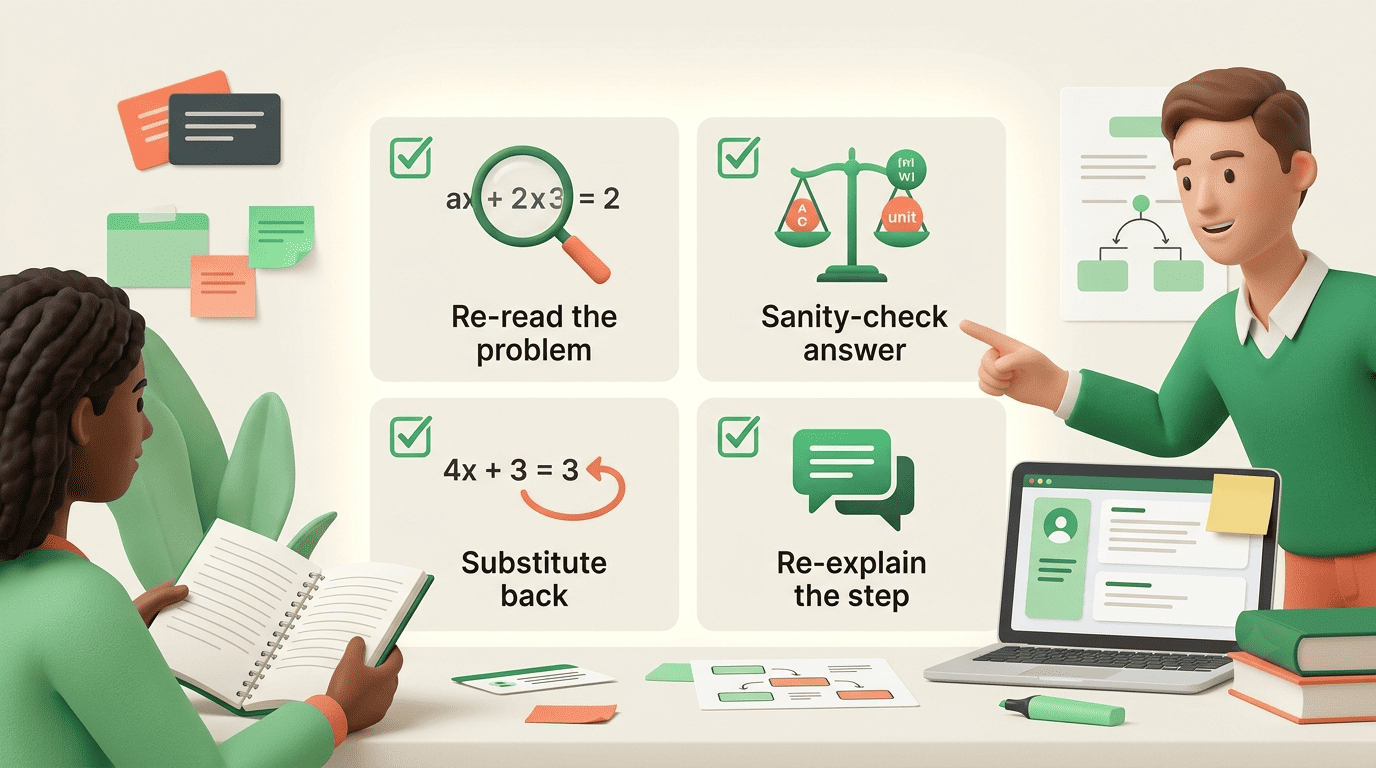
Before you rely on a solution, run this pass:
- Re-read the problem the tool parsed — did OCR read the photo correctly?
- Sanity-check the answer for units, sign, and order of magnitude.
- Substitute the answer back into the original equation to confirm it holds.
- If a step does not follow, ask the tutor to re-explain just that line.
Substituting the answer back is the single most reliable check — a correct solution to an equation always satisfies it, no matter how the steps were derived.
Help, Not a Shortcut: Math AI and Academic Integrity
An AI study tool is built for understanding how to solve a problem, not for turning in answers you could not reproduce on a test. The difference is easy to see once it is laid out.
| Studying with AI (help) | Outsourcing to AI (misconduct) |
|---|---|
| Solve a problem, then redo it unaided | Copy solved homework you can’t reproduce |
| Ask tutor mode to explain a step | Submit the output as your own work |
| Generate practice and self-test | Have AI take a quiz or exam for you |
| Check your own answer’s steps | Paste answers without reading them |
Pasting solved homework you do not understand is both a form of academic misconduct at most schools and useless when the exam arrives with no tool in reach. Use the helper to learn the steps, then prove you can do them yourself, and check your course’s policy on which tools are allowed before a graded assignment.