
AI Study Flashcards: How to Generate and Review Them the Right Way
AI study flashcards turn your notes, PDFs, and lecture slides into ready-to-review question-and-answer cards in seconds, so you spend your time learning instead of formatting index cards. The bigger win, though, is in how you review them: a good AI study flashcards workflow pairs fast card creation with two research-backed habits, active recall and spaced repetition.
Generating cards is the easy part. This guide walks through how an AI flashcard generator builds cards from your material, and how to review them so the facts actually stick until exam day.
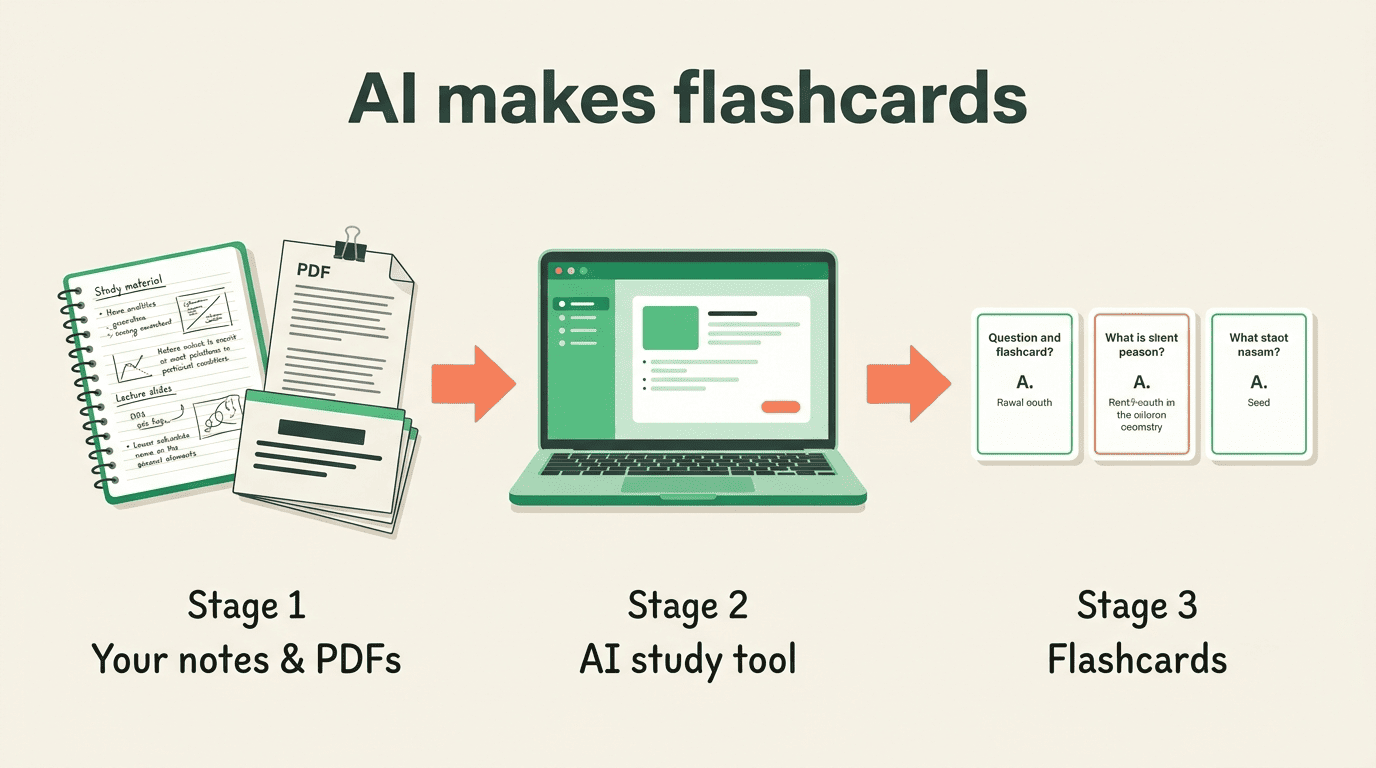
How AI Turns Your Material Into Flashcards
An AI flashcard generator reads your source material, finds the key terms and ideas, and writes them as question-and-answer pairs. Instead of copying definitions by hand, you paste or upload the content and edit what the model produces. The AI does the drafting; you stay in charge of accuracy.
What you can feed it
Modern AI study tools accept far more than typed notes. Most will build cards from a range of inputs:
- Typed or pasted class notes
- A textbook chapter or research paper as a PDF
- Lecture slides (PowerPoint or PDF)
- A YouTube lecture, transcribed automatically from the video
- Your own outline or summary
The model reads the content, extracts the concepts that look testable, and returns study-ready cards in seconds. You then trim, correct, or reword anything that looks off before you start reviewing.
Card formats the AI can make
Good AI-generated flashcards come in more than one shape, and the format changes how hard the card makes your brain work.
| Card format | Best for | How it tests you |
|---|---|---|
| Term and definition | Vocabulary, named concepts | Recall a full answer from a prompt |
| Question and answer | Cause-and-effect, “why” and “how” | Reconstruct reasoning from memory |
| Multiple choice | Quick self-quizzing, early review | Recognize the correct option |
| Fill-in-the-blank (cloze) | Facts inside a sentence, formulas | Retrieve one missing piece in context |
Term-and-definition and open questions demand the most retrieval, which is exactly what makes them effective. Multiple-choice cards are gentler and useful early on, but lean on recognition rather than full recall.
Why Flashcards Work: Active Recall
Flashcards are effective because of active recall, the practice of pulling an answer out of memory instead of rereading it. When you flip a card face-down and try to produce the answer, your brain does the effortful work that builds a durable memory. The University of York’s study guide puts the mechanism plainly.
Unlike passive study methods (e.g., reading or watching lectures), which focus on inputting information into the brain, active recall forces the brain to pull information out, aiding in stronger memorisation and comprehension.
University of York — Active Recall
That difference is well documented. Cognitive-science research on retrieval practice, often called the testing effect, consistently finds that students who repeatedly test themselves retain substantially more on delayed tests than those who simply reread their notes. Rereading feels productive because the material looks familiar, but familiarity is not the same as being able to recall it under exam pressure.
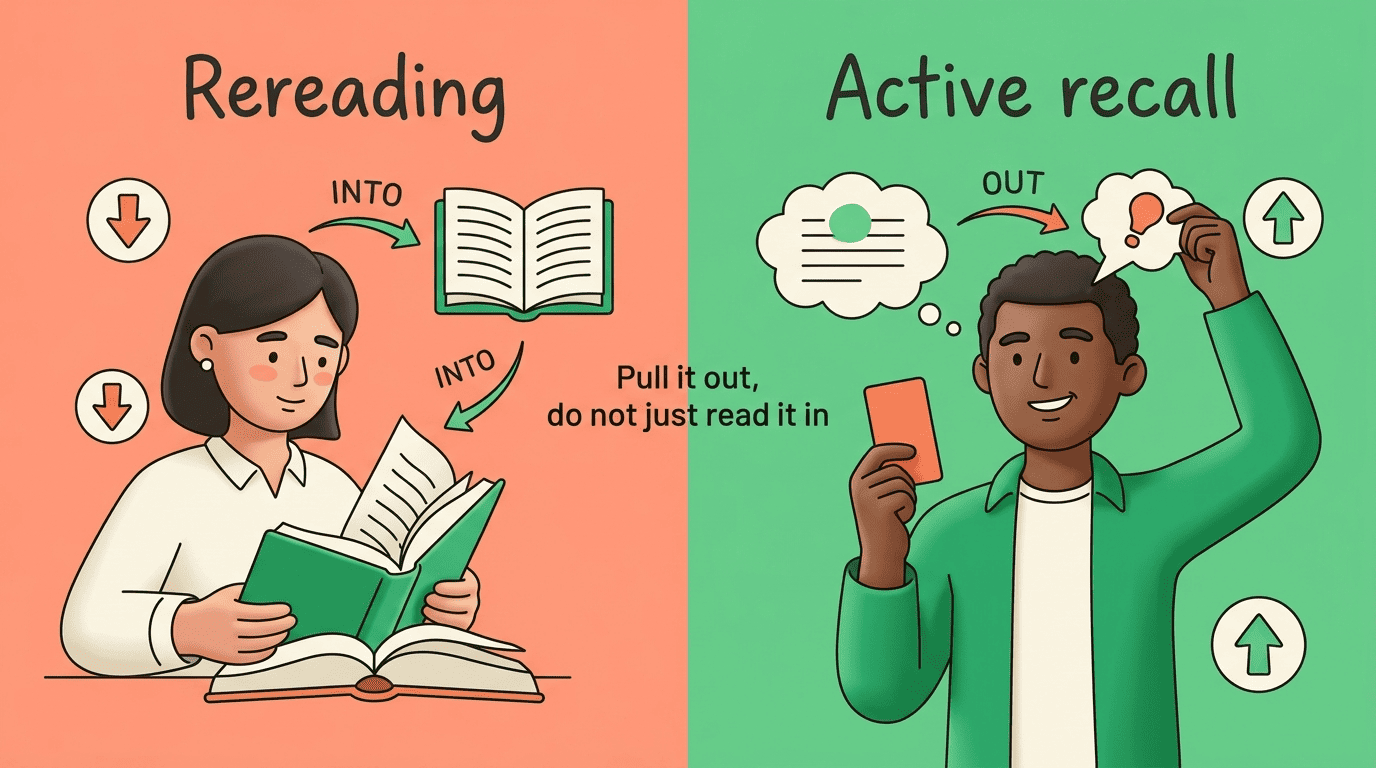
The practical takeaway is simple: a flashcard is only doing its job when you genuinely try to answer before flipping it. Peeking at the back turns active recall back into passive reading and throws away the benefit.
Why Timing Matters: Spaced Repetition
Active recall decides what you do with a card; spaced repetition decides when. Instead of cramming every review into one long session, you revisit each card at growing intervals, refreshing it just before you would have forgotten it. This spacing effect is one of the most reliable findings in learning science, and it is why serious flashcard systems schedule reviews for you rather than dumping the whole deck on you every day.
Reviewing right before you forget
Memory fades along a predictable curve: without review, the details of a lecture slip away within days. Each successful recall flattens that curve and buys you a longer gap before the next review. A card you know well might not resurface for weeks, while one you keep missing comes back tomorrow. The result is that you spend your effort on the material you are actually weak on, as described in the reference on spaced repetition.
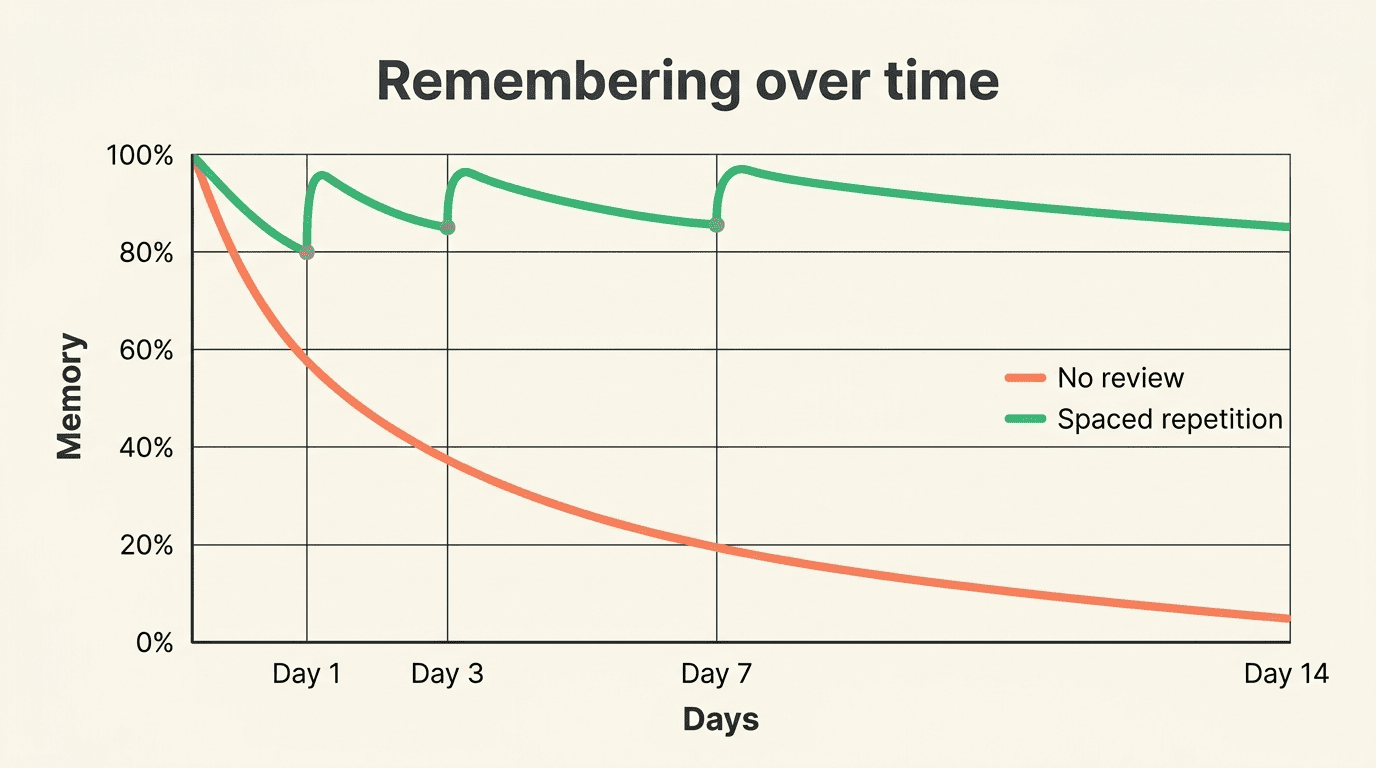
The evidence
Spaced repetition is not just study-blog folklore. In a study of undergraduate medical students, learners using spaced repetition showed better short- and long-term retention than those who studied in massed sessions, a result documented in the research on spaced repetition among medical students. Anki, a free spaced-repetition program, has become a staple in medical schools precisely because it makes this scheduling automatic across thousands of cards.
How to Review AI Flashcards: Systems and Algorithms
Once your AI study helper has built a deck, you need a system to move cards through review. The two main approaches are a manual box method and an automatic algorithm. Both apply spaced repetition; they differ in how much bookkeeping you do yourself.
The Leitner box method (manual)
The oldest practical system is the Leitner method, where cards live in a series of boxes reviewed at different frequencies. When you answer a card correctly it graduates to a slower box; when you miss it, it drops back to the daily box. Over time your well-known cards cluster in the slow boxes and your weak cards stay in front of you. You can run it with paper cards or a simple app, as outlined in the reference on the Leitner system.
Algorithmic scheduling (Anki, FSRS)
Digital tools automate the same idea with a scheduling algorithm. After each card you rate how easily you recalled it, and the algorithm sets the next interval. Older tools use the SM-2 algorithm; newer ones use FSRS, which models your personal memory strength for each card. You stop managing boxes and just answer cards; the software decides what you see and when.
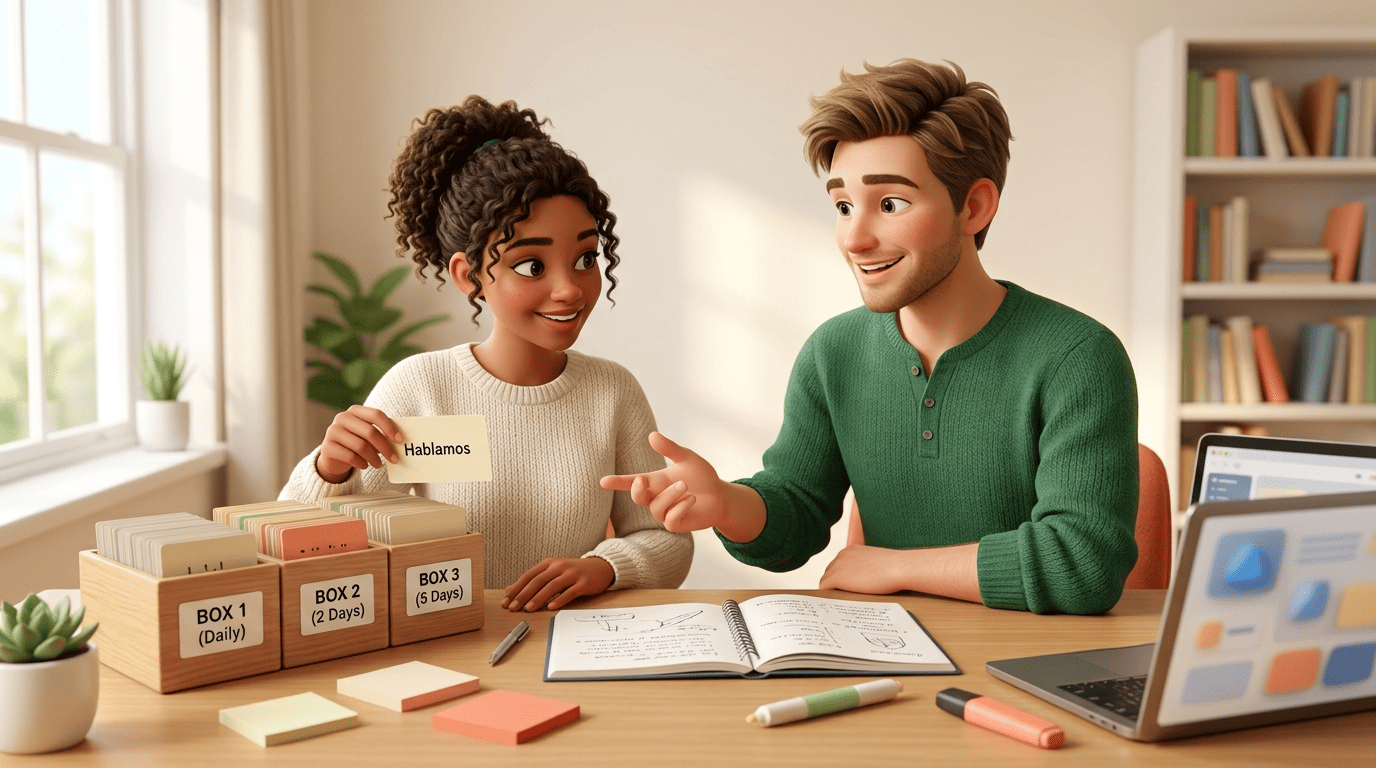
Here is a minimal routine for reviewing an AI-generated deck well:
- Generate cards from one topic, then read through and fix any AI errors.
- Split wall-of-text cards into several atomic cards, one idea each.
- Do a first pass, honestly attempting each answer before flipping.
- Rate each card so the scheduler (or your Leitner boxes) can space it.
- Return daily and clear only the cards the system surfaces.
- Reformulate any card you keep failing; the card, not your memory, is usually the problem.
Writing Cards That Actually Help
AI speeds up card creation, but it can also generate bloated or ambiguous cards if you let it. A few habits keep your deck sharp, and they matter more than which tool you pick.
Keep each card atomic. One card should test one fact or idea. If the back of a card is a paragraph, split it, because you cannot cleanly succeed or fail a card that asks five things at once.
Phrase the front as a real question. “The mitochondria…” is a prompt to recognize; “What is the main function of the mitochondria?” is a prompt to recall. Ask the AI to write question-style fronts, or edit them yourself.
Use your own words and a cue. Rewrite AI answers in language you would actually say, and add a small context cue so the card is not answerable by rote pattern-matching.
Verify accuracy. An AI flashcard generator can misread a source or invent a plausible-sounding detail, so check cards against your notes, especially numbers, dates, and definitions.
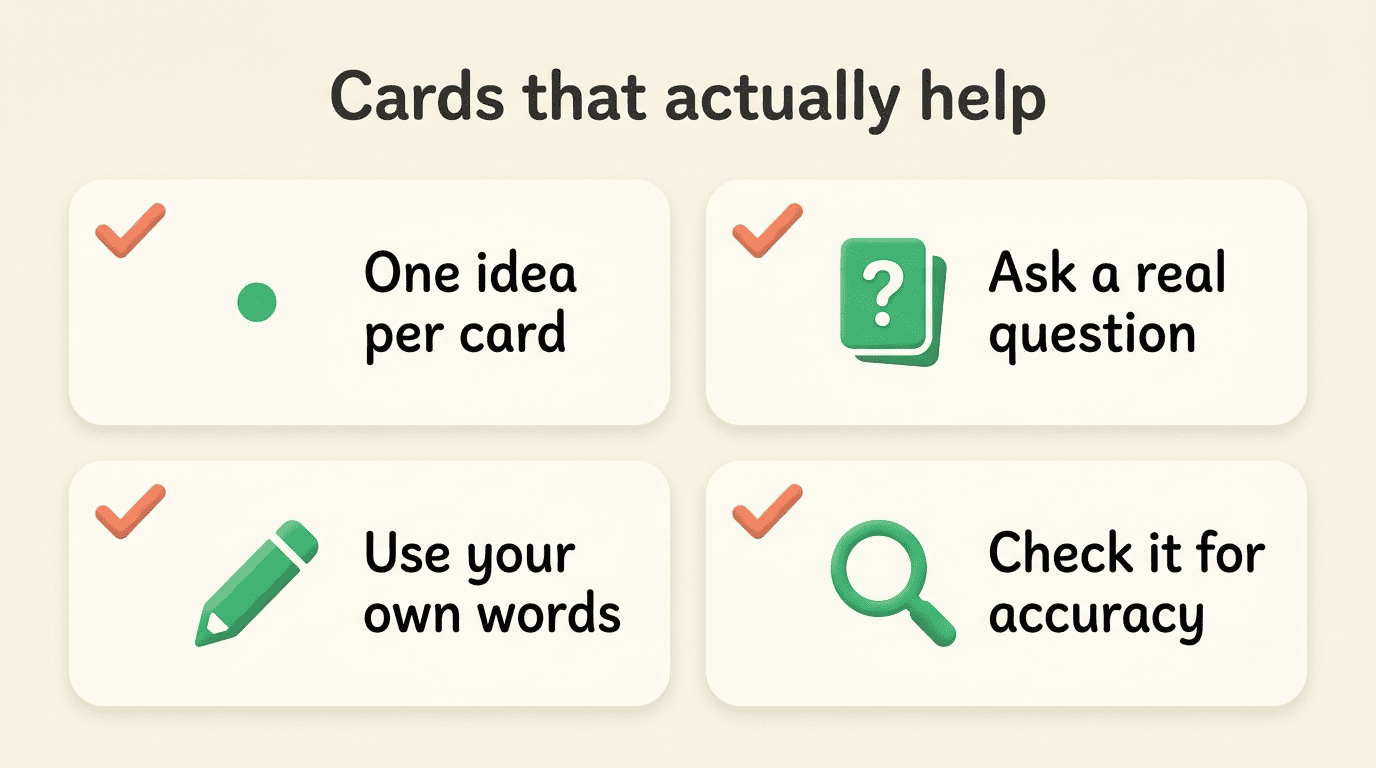
Common mistakes are the mirror image of those habits: cramming a whole slide onto one card, writing vague prompts, reviewing passively by peeking, and trusting AI output without a quick fact-check.
Academic Honesty: A Study Helper, Not a Shortcut
Making flashcards with AI is a legitimate way to study, the same way asking a tutor to quiz you is. The tool helps you learn and remember your own course material; it does not do the thinking for you, and it is not a way to avoid understanding the subject. Generate cards, then actually work through them.
The honest line is easy to hold. An AI study tool that helps you build and review cards supports your learning. Using those cards as a hidden crib sheet during a closed-book exam, or pasting exam questions in to get answers you never learned, crosses into cheating and usually breaks your school’s rules. Understand the concept first, then use spaced repetition to make it stick, and your flashcards stay firmly on the right side of that line.