
What a Free AI Study Tool Really Does for Students (and How to Use One Well)
A free AI study tool turns your own notes, slides, and PDFs into flashcards, quizzes, summaries, and step-by-step explanations — without a paywall. The point of a good free AI study tool is not to do your homework for you; it helps you understand a topic faster and remember it longer, which is a very different thing from an app that spits out finished answers.
That distinction matters most for the people who need it: students juggling lectures, readings, and back-to-back exams. The tools worth your time are the ones grounded in real learning science like spaced repetition, not shortcuts that quietly do the thinking you were supposed to do.
What “free AI study tool” actually means
Strip away the marketing and an AI study helper is a study assistant, not an answer machine. You give it material you already have — a lecture recording, a textbook chapter, a messy pile of notes — and it reshapes that material into things you can study from. It is closer to a tutor who reorganizes your own work than to a search engine that hands you someone else’s.
A study assistant, not an answer machine
The important word is your. A general chatbot answers questions from the open internet; an AI study app works from the source you upload, so the flashcards and summaries it produces are about your class, not a generic topic. That is why an AI study assistant can quiz you on last week’s biology lecture while a plain search engine cannot.
Why “free” matters for students
Most of these tools ship a genuinely useful free tier. Dedicated study platforms bundle flashcard makers, quiz generators, and note summarizers with no-credit-card free plans; general assistants like ChatGPT, Google Gemini, and Google’s NotebookLM all have capable free versions, and Quizlet has offered free flashcard study for years. For everyday studying — one class, one exam at a time — the free tier is usually enough, and you only bump into limits (upload size, daily message caps) when you scale up.
The core features that matter
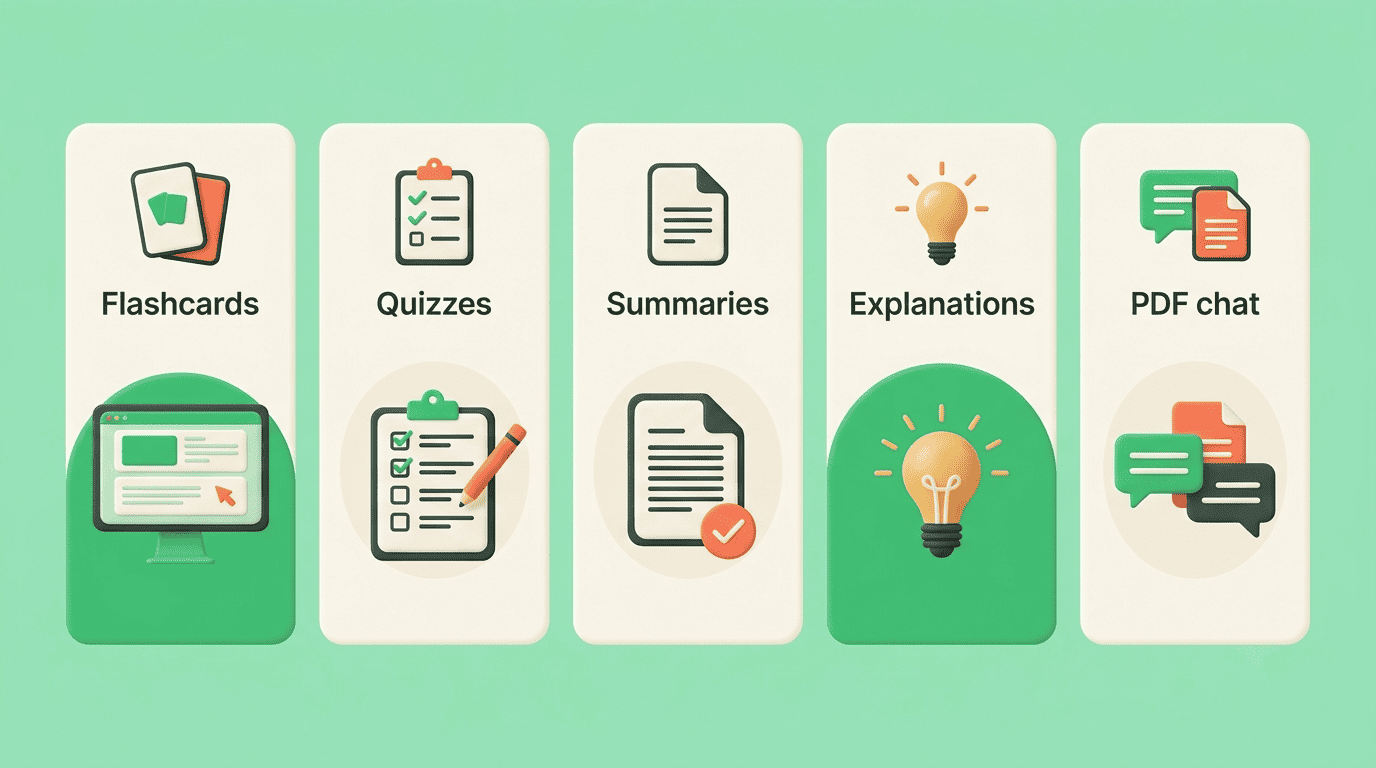
Behind every “AI study app” label sit a handful of features that actually move the needle. The table below maps what each one does and the study habit it supports.
| Feature | What it does | Study habit it builds |
|---|---|---|
| Flashcard generator | Turns notes/PDFs into question-answer cards | Spaced repetition |
| Quiz & practice test maker | Creates multiple-choice and short-answer questions | Active recall |
| Notes & summaries | Condenses long readings into outlines or Cornell notes | Review & pre-reading |
| Explanations / math solver | Breaks a hard concept or problem into steps | Understanding gaps |
| PDF / document chat | Answers questions about a file you uploaded | Targeted lookup |
Flashcards, quizzes, and practice tests
The headline feature is generation: point the tool at your material and it produces flashcards and quizzes automatically. Flashcards are a century-old study method precisely because they force you to retrieve an answer rather than recognize it — the flashcard format pairs a prompt with a response and nothing else. AI just removes the tedious part: typing every card by hand.
Notes, summaries, and study guides
The second pillar is compression. A forty-page PDF or a ninety-minute lecture becomes a one-page outline, a set of Cornell notes, or a short study guide. Good summaries are not a replacement for reading — they are a map you use before and after reading so the details have somewhere to attach.
Explanations and step-by-step help
The third pillar is explanation. When you are stuck, an AI study helper can restate a concept in plain language, walk through a math problem one step at a time, or answer questions about a document you uploaded. Used well, this closes the specific gap that stopped you — instead of handing you an answer you never understood.
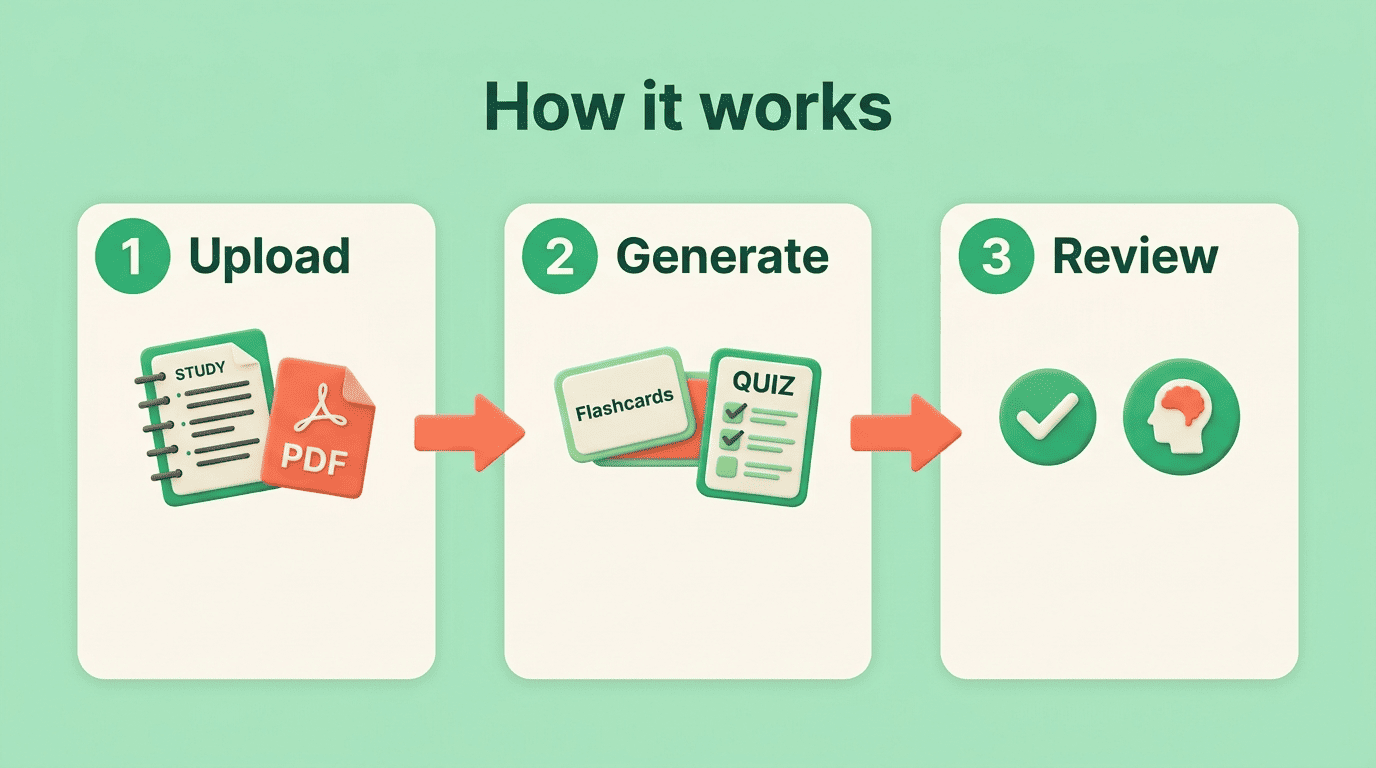
How a free AI study tool works (in 3 steps)
The workflow is nearly identical across tools, and it comes down to three moves:
- Upload your material. Drop in a PDF, paste your notes, or add a lecture recording or a YouTube link.
- Generate study materials. Ask for flashcards, a quiz, a summary, or an explanation. The tool reads your source and builds them in seconds.
- Review with active recall. Study the flashcards on a spaced schedule and take the quizzes until you can answer without peeking.
The first two steps are where AI saves you time. The third step is where the actual learning happens — and it is the one students skip most often.
Why it works: the learning science behind it
An AI study tool is only as good as the study method it nudges you toward. The best ones lean on two of the most heavily researched findings in cognitive psychology.
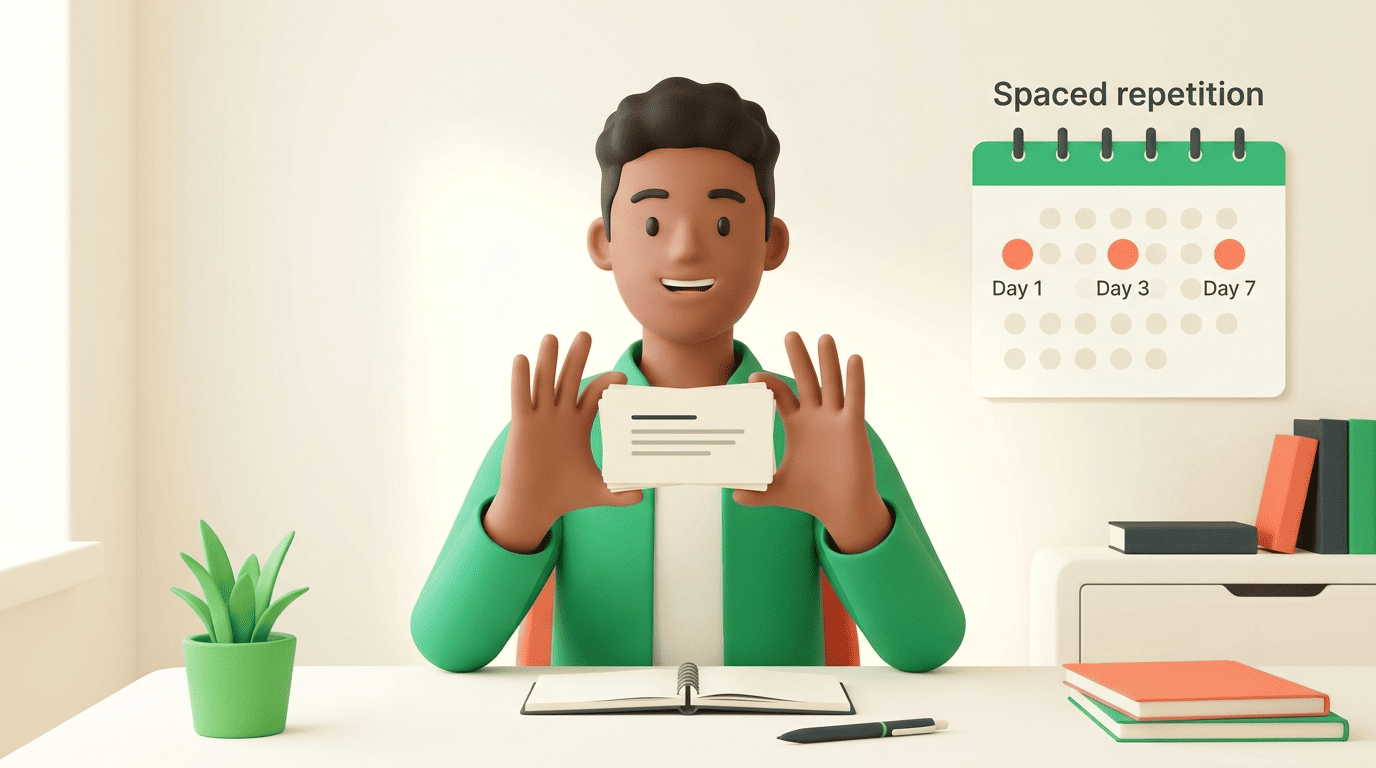
Spaced repetition
Reviewing material at increasing intervals — a day later, three days later, a week later — beats cramming it all at once. Flashcard apps automate this by resurfacing a card right before you are likely to forget it. The University of North Carolina’s Learning Center puts the practical case plainly in its guide to spaced practice: short, spread-out sessions build durable memory that a single long session cannot.
Active recall and the testing effect
Quizzing yourself is not just a way to measure what you know — the act of retrieval itself strengthens memory, an effect researchers call the testing effect. This is why an AI-generated practice test does more for retention than re-reading your notes a third time.
Taking a memory test not only assesses what one knows, but also enhances later retention, a phenomenon known as the testing effect.
Roediger & Karpicke, Psychological Science
Put the two together and the point of an AI study app becomes clear: it is fast at making spaced-repetition cards and retrieval-practice quizzes, so you spend your energy on the studying instead of the busywork of building materials.
Which free AI study tools students actually use
There is no single winner, because students reach for different tools depending on what they are studying.
All-purpose assistants. ChatGPT, Google Gemini, and Perplexity explain concepts, summarize readings, and brainstorm essay structure. NotebookLM is the standout for grounded work: it answers only from the sources you upload, so it is less likely to invent facts about your class.
Dedicated study apps. Purpose-built platforms focus on the study loop itself — generating flashcard decks, quizzes, summaries, and study schedules from your material, then tracking what you have reviewed. A dedicated AI study companion like Theo on aistudy is built around that loop rather than being a general chatbot you have to prompt from scratch.
| Need | Better fit | Why |
|---|---|---|
| Explain a hard concept | General assistant (ChatGPT, Gemini) | Flexible, conversational, broad knowledge |
| Answer questions about your own file | NotebookLM | Grounded in your uploaded sources |
| Auto-build flashcards & quizzes | Dedicated study app | Purpose-built study loop |
| Plan a study schedule | Dedicated study app | Tracks what you have reviewed |
The practical rule: use a general assistant when you need something explained, and a dedicated study app when you need materials to practice with.
Using AI to study honestly — help, not cheating
This is the question every student eventually asks, and it deserves a straight answer.
Where the line is
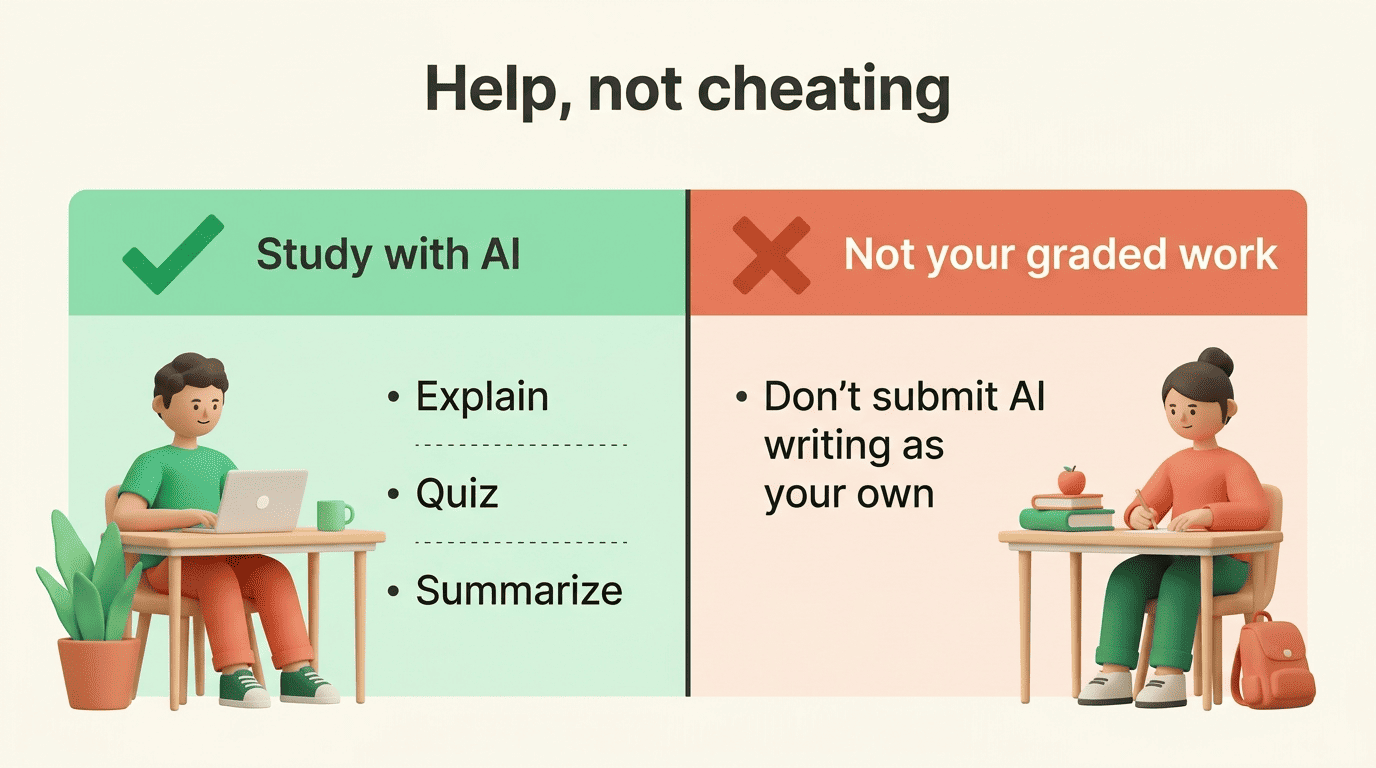
A study tool helps you understand and remember; it should never produce the graded work you submit as your own. Using AI to explain a concept, quiz yourself, or summarize a reading is legitimate studying. Pasting an AI-written essay into an assignment, or copying AI answers onto a test, is cheating. The difference is whether the final work — and the understanding behind it — is yours.
How to stay on the right side
Policies differ from campus to campus and even between instructors in the same department, so the safe move is to check your course guidelines before you lean on any tool. A few habits keep you clearly on the right side:
- Use AI to explain, quiz, and summarize — not to write what you turn in.
- Draft final answers and essays yourself, in your own words.
- Verify facts against your textbook or an authoritative source; AI can be confidently wrong.
- When a class allows AI help, disclose or cite it if the syllabus asks you to.
How to start for free (quick guide)
Getting value out of an AI study helper takes about ten minutes:
- Pick a tool with a real free tier and no credit card required.
- Upload one week of notes or a single lecture.
- Generate a short quiz and a flashcard deck from it.
- Review the deck daily for a few minutes, letting the app space the cards.
- Re-take the quiz two days later — the gaps you miss are exactly what to restudy.
Keep the whole thing pointed at understanding, and a free tool will carry most students through an entire term.